

Yes, a hotel can be a reliable workspace if you pick the right booking type and check a short amenities list first. For a few hours, book day-use access; for a full day or longer stint, look at a hotel work package or overnight stay with a proper desk. Some Melbourne properties are built with this kind of stay in mind.
TL;DR:
- Booking a long stay or full workday in a hotel is more cost-effective when combining a work package or overnight stay with dedicated desk space rather than short-term options like day-use.
- Verify hotel Wi-Fi speed on arrival by running a speed test to ensure it meets the 25 Mbps download and 5 Mbps upload benchmark before important calls.
- A proper workspace setup requires a desk near natural light, accessible power outlets, and noise control measures, especially during video calls.
- For unpredictable work schedules, flexible cancellation policies, ideally with free or low-cost modifications, are crucial to avoid wasted expenses due to last-minute changes.
- Hotels with dedicated work-friendly rooms featuring in-room kitchens, secure parking, and eco-conscious designs offer better value for longer professional stays in Melbourne's CBD.
Table of Contents
- Where to book a work from hotel setup: day-use, meeting rooms and overnight stays
- What to check before you book: the essential amenity checklist
- Set up and productivity tips for a hotel work-day
- Connectivity and security: how to test and protect your hotel Wi-Fi
- Typical costs and value: day-use, meeting rooms and overnight stays
- Alto Hotel on Bourke: a worked example for work stays
- The pre-arrival checklist: what to confirm the day before
- Booking cancellation and modification policies relevant to work schedules
- Why the vendor roundup misses the point
- Book a work-ready room at Alto Hotel on Bourke
- Sources
Where to book a work from hotel setup: day-use, meeting rooms and overnight stays
The booking route depends entirely on how long you need the space. A two-hour window between calls doesn't need the same commitment as an eight-hour work day, and pricing reflects that gap.
Four main options cover most situations:
- Day-use access: a few hours in a room or lounge area, usually the cheapest way to get privacy without paying for a night.
- Hourly lobby or business lounge access: informal, often free for guests but limited on privacy and outlets.
- Meeting room hire: booked separately from a room, better for calls or small team sessions.
- Overnight or multi-night stay: makes sense once you're working more than one full day or need a kitchen for meal breaks.
Day-use platforms and direct hotel bookings both list these options, though not every property advertises them clearly online. Day-use bookings are a practical, lower-cost way to secure a private workspace for a few hours, and they often bundle in business services you'd otherwise pay for separately. If a listing is vague about desk setup or room layout, phone the hotel directly and ask. Corporate booking platforms such as Booking.com's business travel tools also let you filter for business-ready amenities and manage rates across multiple trips.
What to check before you book: the essential amenity checklist
Not every hotel room that looks fine in photos is fine to work from. A handful of checks separate a genuinely productive day from three hours fighting a wobbly desk and patchy Wi-Fi.
Run through these before confirming anything:
- Wi-Fi speed claims — look for stated download and upload figures, not just "free Wi-Fi."
- Desk and chair — a proper desk with an upright chair, not a coffee table and an armchair.
- Lighting and power outlets — natural light near the desk, and outlets within reach without dragging furniture.
- Meeting room or business centre access — useful if you need a private space for calls beyond your room.
- Printing and kitchen/pantry facilities — relevant for longer stays or when you need hard copies.
- Noise levels and Do Not Disturb policy — ask whether rooms face a street or a quieter courtyard.
On connectivity, aim for a working benchmark of at least 25 Mbps download and 5 Mbps upload for reliable video calls. That figure comes from remote-work reliability guidance built around actual call quality, not marketing copy, and it's a fair line to hold hotels to.
Pro Tip: Don't take a hotel's advertised Wi-Fi speed at face value. Ask reception what speed the room's connection actually delivers, and if they can't answer, treat that as a red flag before you book.
Set up and productivity tips for a hotel work-day
Packing the right gear matters more than people expect. A laptop stand, a universal power adapter, a short extension lead, and noise-cancelling headphones solve most of the problems a hotel room throws at you.
Before your first call, sort the room itself:
- Position the desk so a window sits ahead of you or at roughly 45 degrees, not behind, so light falls on your face rather than behind your head.
- Clear the background behind you, or use a plain wall, before joining video calls.
- Mute phone and laptop notifications during focus blocks.
- Use the Do Not Disturb sign or digital DND setting on the room phone during scheduled calls.
Time management works best in blocks. Treat a hotel work day like an office day: set two or three defined work blocks, take proper breaks between them, and avoid the trap of working straight through because there's no colleague reminding you to stand up. Noise-cancelling headphones do double duty here, both for call clarity and for blocking hallway noise during focus time.
Connectivity and security: how to test and protect your hotel Wi-Fi
Run a manual speed test the moment you check in, before you unpack. A quick browser-based test tells you in under a minute whether the connection will hold up for video calls, and it beats discovering a problem five minutes before an important meeting.
If the test comes back weak, don't just push through it. Call reception and ask if a different room or floor gets better reception, check whether a paid premium Wi-Fi tier is available, or fall back on your own connection.
Backup benchmark: A working target of 25 Mbps download and 5 Mbps upload is the line most remote-work guidance points to for stable video calls. Anything consistently under that is worth escalating with the hotel or bypassing with your own data.
For Australian travellers, a local SIM or a portable 4G/5G hotspot is a sensible backup in most cities, and tethering off your phone works in a pinch. On security, use a VPN on hotel networks, keep your device firewall switched on, and ask for per-room Wi-Fi credentials where the hotel offers them rather than a shared network password.
Typical costs and value: day-use, meeting rooms and overnight stays
Day-use and work packages typically bundle a set number of hours, a premium Wi-Fi tier, a drink or two, and sometimes meeting room access. Some hotel brands package these as an "office for the day" rate, which usually undercuts the cost of a full overnight stay.
How that stacks up against alternatives:
- A day-use package often costs more than a café but less than renting a coworking desk for the day, once you factor in privacy and quiet.
- An overnight stay becomes better value once you're working two or more consecutive days, since you avoid packing and re-setting up each morning.
- Corporate rates, loyalty program pricing, and last-minute deals can all shave a meaningful amount off either option, so it's worth checking your hotel loyalty tier before booking direct.
Alto Hotel on Bourke: a worked example for work stays
Some hotels in Melbourne's CBD are designed around the idea that a room should support productive stays. Some hotels in the city incorporate eco-conscious design into their room fit-outs, not just marketing.
For a work stay, the relevant features include:
- Studio Queen and Studio King Plus layouts with dedicated desk space, separate from the bed.
- Free Wi-Fi across rooms, with in-room kitchen facilities in studio and apartment options.
- One- and two-bedroom apartments suited to longer professional stays where a kitchenette cuts daily costs.
- Secure parking, useful if you're driving between meetings across the day.
Booking a work day or short stay works the same as any direct booking: check room type against your desk and connectivity needs, confirm any direct-booking offers on the official site, and call ahead if you want to confirm room placement away from lift wells or street noise.
The pre-arrival checklist: what to confirm the day before
A short call or email the day before saves most of the friction that ruins a work day in a hotel room. Run through this before you arrive:
- Confirm your room type and ask whether it includes a proper desk, not just a bedside table.
- Ask about Wi-Fi tier and whether per-room credentials are issued at check-in.
- Request a quieter room or floor if you have back-to-back calls scheduled.
- Pack your backup connectivity (local SIM or hotspot) and charge it the night before.
- Test your video call background and lighting setup once you're in the room, well before your first call.
- When you call reception, be specific: ask for desk space, accessible power outlets, and confirm how Do Not Disturb works for your room.
Booking cancellation and modification policies relevant to work schedules
Work travel rarely goes exactly to plan. A client meeting shifts, a project runs long, or a flight gets moved, and suddenly your carefully booked day-use slot or overnight stay needs adjusting. This is where the fine print on cancellation policies actually matters more for work trips than for leisure ones.
Flexible-rate bookings almost always cost more upfront than a prepaid, non-refundable rate, but for work travel that flexibility is often worth paying for. A meeting rescheduled by a day can turn a locked-in booking into a wasted night if you've committed to a non-refundable rate. Check three things specifically before you book: the cancellation cutoff (many hotels require 24 to 48 hours' notice), whether date changes are free or incur a fee, and whether day-use bookings follow the same policy as overnight stays (they frequently don't, and are sometimes stricter given the shorter window involved).
If you're booking through a corporate travel platform, look for policy controls that let you or your team see cancellation terms upfront rather than discovering them after payment. Booking direct with the hotel also tends to give you more flexibility to negotiate a date change over the phone than a third-party platform does, since you're dealing with the property rather than an intermediary. For anyone travelling with an unpredictable client schedule, that direct relationship is worth the extra step of picking up the phone before you book.

Why the vendor roundup misses the point
Most guides to working from hotels read like product comparisons: a list of ten properties with generic Wi-Fi speeds and stock photos of desks. That approach skips the actual decision a reader is facing, which is booking logistics, not brand preference.

The conventional advice tends to overweight amenities lists and underweight the two things that actually determine whether your work day goes smoothly: whether you tested the connection before committing to a call schedule, and whether you picked the right booking type for the hours you actually need. A day-use booking solves a different problem than an overnight stay, and treating them as interchangeable is where most work-from-hotel plans go wrong.
If there's one thing worth prioritising above the rest, it's the on-arrival speed test. It costs nothing, takes under a minute, and it's the single check that prevents the worst outcome: discovering mid-meeting that the "fast Wi-Fi" in the listing was aspirational. Everything else on the checklist, desk height, lighting, noise, matters, but it's fixable during the stay. A failed connection during a client call usually isn't.
— Kamal
Book a work-ready room at Alto Hotel on Bourke
Some hotels offer rooms designed around a desk and kitchenette, rather than just a bed and a small surface for a laptop. For professionals working from Melbourne's CBD, that means fewer compromises between comfort and getting actual work done, and less time spent hunting for outlets or a quiet corner.
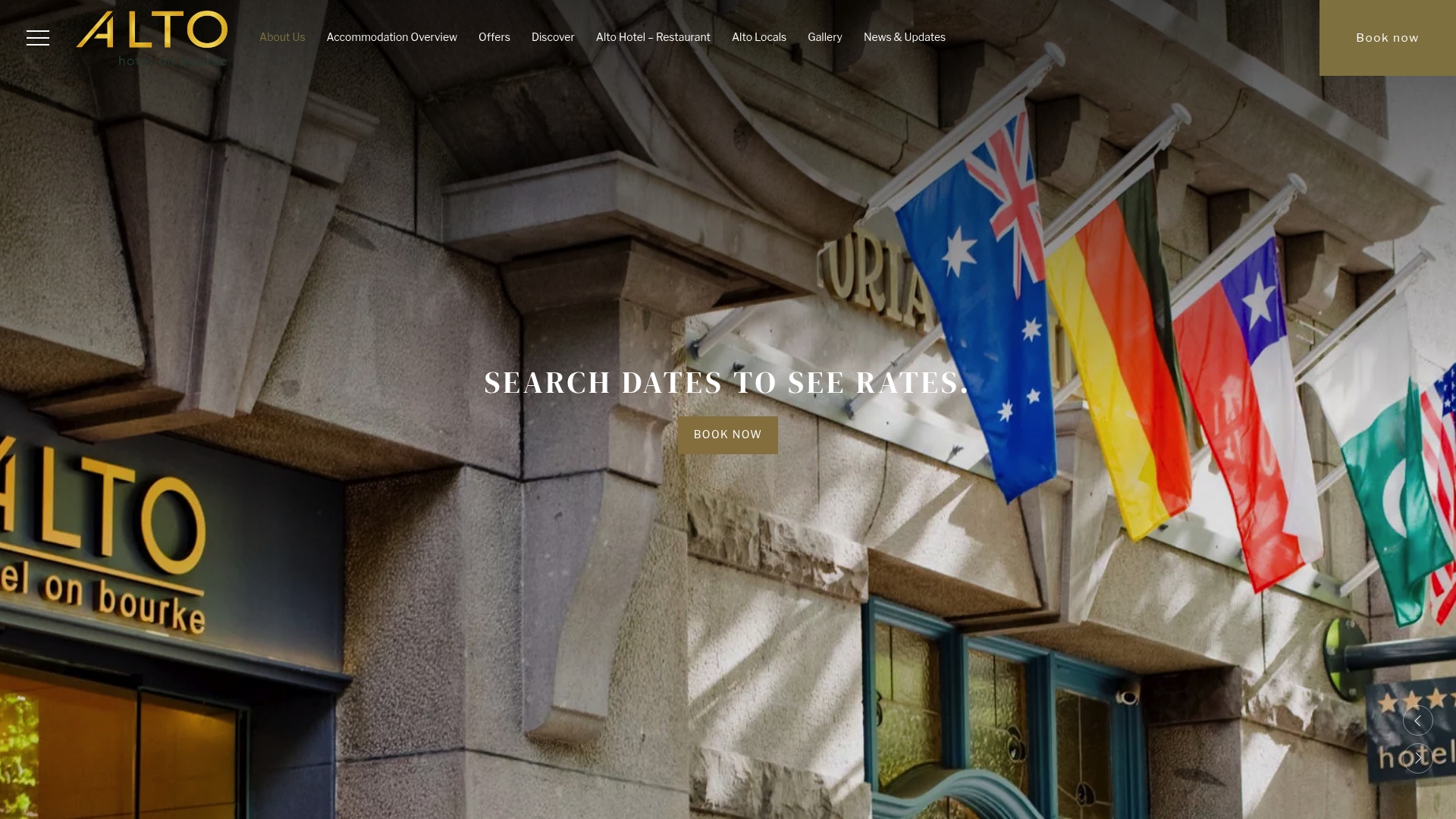
Some studio and apartment layouts include free Wi-Fi, in-room kitchen facilities for longer stays, and secure parking for guests. An eco-conscious build can provide a balance between sustainability and a proper workspace. If you're weighing up a business-ready eco boutique hotel for your next work trip, check current room availability and direct booking offers on the Alto Hotel on Bourke website before your travel dates fill up.
Sources
- Rise of remote work from a third place — Victorian Chamber
- All you need to know to work from a hotel — KAYAK
- Business travel hotels | Booking for Business — Booking.com